AI Design Tools for Web Design: The 5 Best
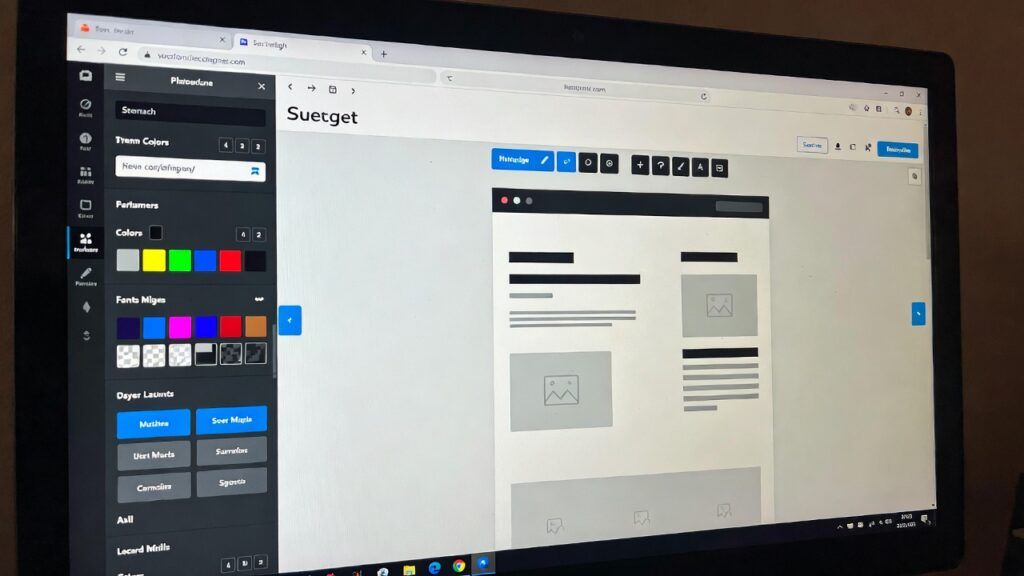

AI Design Tools have completely transformed the landscape of web design in today’s digital era. Thanks to the increasingly advanced integration of artificial intelligence, the creative process has been significantly accelerated and, at the same time, access to professional-quality results has been democratized. Nowadays, both experienced designers and beginners without deep coding knowledge can create visually striking and functional websites in a matter of hours.
The rise of AI design tools is due to their ability to interpret text prompts, convert sketches into digital designs, and suggest improvements based on UX/UI best practices. For example, imagine a designer who needs to create an e-commerce site in hours instead of days: AI analyzes descriptions, generates wireframes, and even exports production-ready code. This not only fosters innovation but also addresses challenges such as accessibility and mobile responsiveness, ensuring that websites are inclusive and adaptable.
In this article, we will explore the 5 most widely used AI tools for web design, based on their popularity, functionalities, and user reviews in 2026. Each offers unique features that transform abstract ideas into digital realities. From prototype generators to integrations with existing platforms, these tools are revolutionizing the industry. If you are looking for AI design tools to boost your creativity, this guide will help you choose the ideal one. We will analyze their key features, how they work, benefits, and pricing options, highlighting why they are market leaders.
The impact of AI on web design goes beyond efficiency: it promotes creative experimentation. Designers can iterate multiple versions in minutes, test styles, and receive instant feedback. Moreover, with the growing demand for personalized websites, these tools integrate elements such as color recommendations, typography, and layouts based on user data. In a world where speed is key, adopting AI design tools is not an option but a necessity to remain competitive.
Over the years, we have seen how platforms like Adobe or Google have incorporated AI to simplify complex tasks. In 2026, the focus is on seamless integration with existing ecosystems, such as Figma or Webflow, enabling smooth transitions from design to development. Get ready to discover how these innovations can elevate your work in web design.
1.Uizard: The Rapid AI Prototype Generator
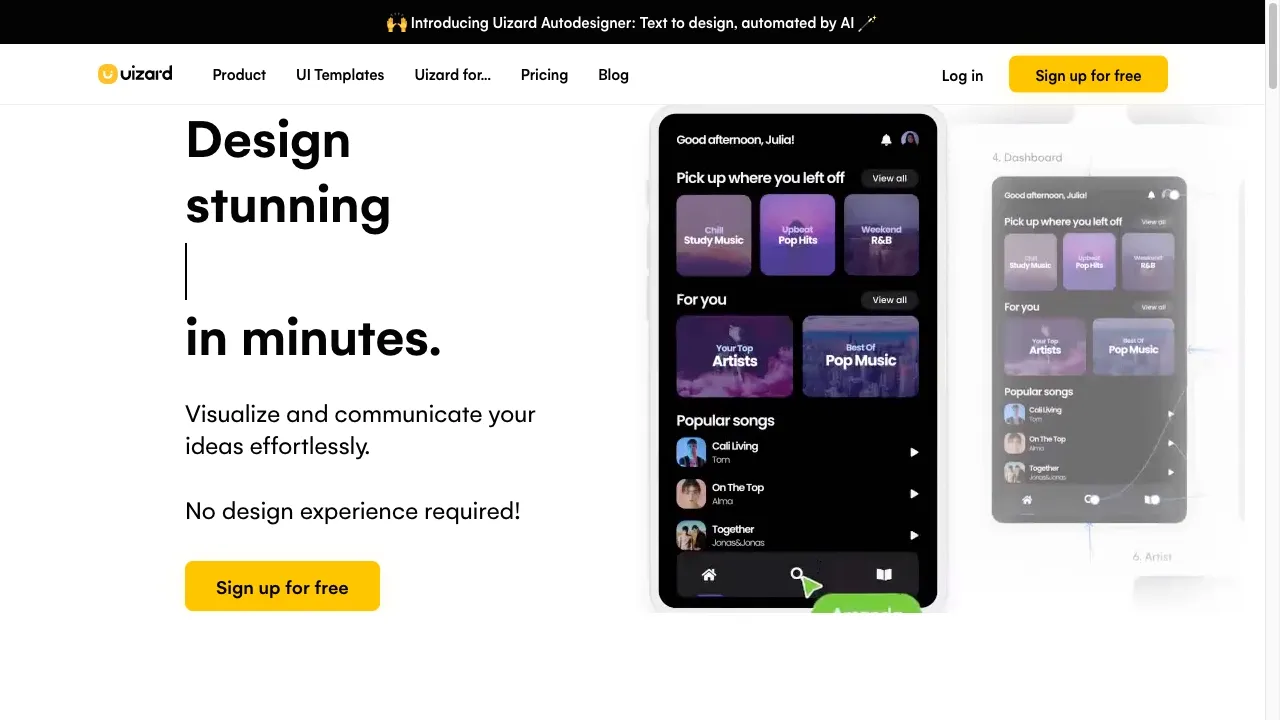
Uizard positions itself as one of the most popular AI design tools for web design thanks to its focus on speed and accessibility. This platform uses AI to transform simple text prompts into editable prototypes, ideal for designers who need to iterate ideas quickly. Its flagship feature, Autodesigner 2.0, allows users to select a device (such as desktop or mobile), write a description, and choose a design style, generating multi-screen layouts in seconds. For example, a prompt like “website for a sustainable clothing store” produces a complete layout with interactive elements.
In addition, Uizard includes Screenshot Scanner and Wireframe Scanner, which convert screenshots or hand-drawn sketches into editable digital mockups. This is especially useful for collaborative teams, where a product manager can upload a rough idea and obtain a refined prototype. The Design Assistant explores AI features to visualize wireframes and prototypes, facilitating concept communication without advanced design skills.
The benefits of Uizard are evident: it accelerates the design process, reduces costs by minimizing the need for expert designers, and fosters rapid iteration. In web projects, this means moving from concept to clickable prototype in minutes, improving efficiency in agencies and startups. By 2026, updates include enhancements to Autodesigner 2.0, with more precise generations and support for custom themes, making it more versatile for responsive designs.
Regarding pricing, Uizard offers a free plan to get started, with pro options from $12 per month that include unlimited generations and advanced exports. For enterprises, there are enterprise plans with unlimited collaboration. In summary, if you are looking for an AI design tool that democratizes web design, Uizard is a top choice, used by more than one million users worldwide.
2.Figma AI: Native Integration for Professional Designers
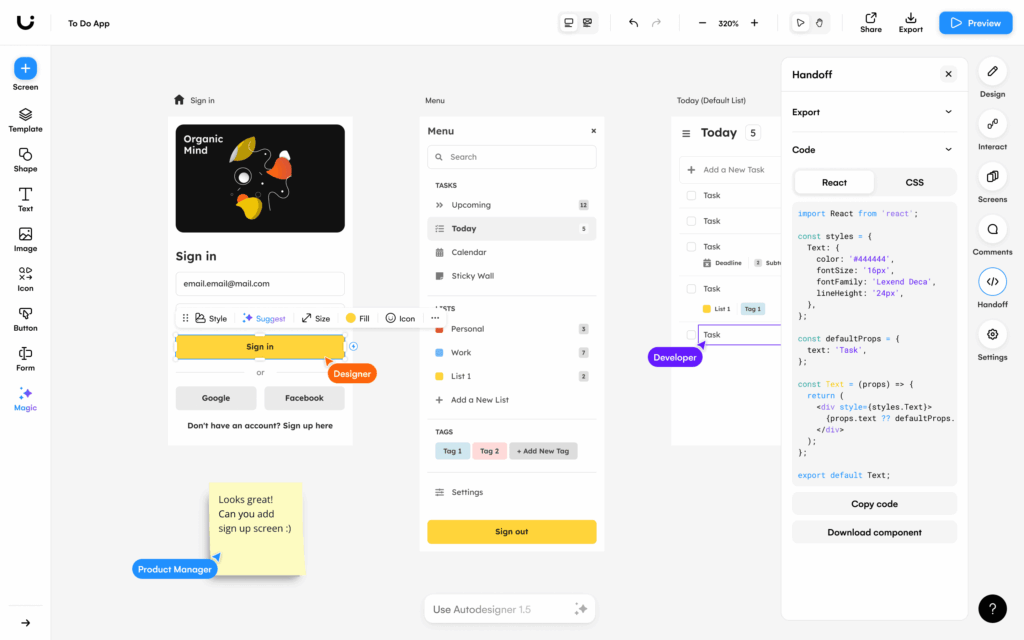
Figma AI, also known as Figma Make in its advanced versions, is an extension of the popular Figma platform that incorporates AI for web design in a seamless way. Ideal for teams that already use Figma, this tool generates designs from text prompts, converts screenshots into editable components, and automates repetitive tasks such as creating user journeys. For instance, Flowstep and UX Pilot allow the creation of complete UI flows from descriptions, exporting them directly to Figma with a simple copy-paste.
Operating within the Figma ecosystem, users can describe a web layout, such as “landing page for a fitness app,” and AI produces variants with styles, colors, and responsive elements. It integrates features such as code generation and accessibility optimization, ensuring that designs meet modern standards. In 2026, updates include more free AI credits and improved integration with third-party plugins, enabling real-time collaborative edits.
Key benefits include its native integration, which avoids switching between tools, and its focus on professional designers, offering precision in HTML/CSS code exports. It reduces prototyping time by 40%, according to reviews, and facilitates collaboration in remote teams. For non-designers, the free tier with 3 monthly generations is perfect to get started.
Pricing: Included in Figma Pro at $16 per user/month, with a limited free tier. This makes it accessible for freelancers and agencies. In the world of AI web design, Figma AI stands out for its maturity and community, being used in high-profile projects to create intuitive and scalable websites.
3.Relume: AI Wireframe and Sitemap Accelerator
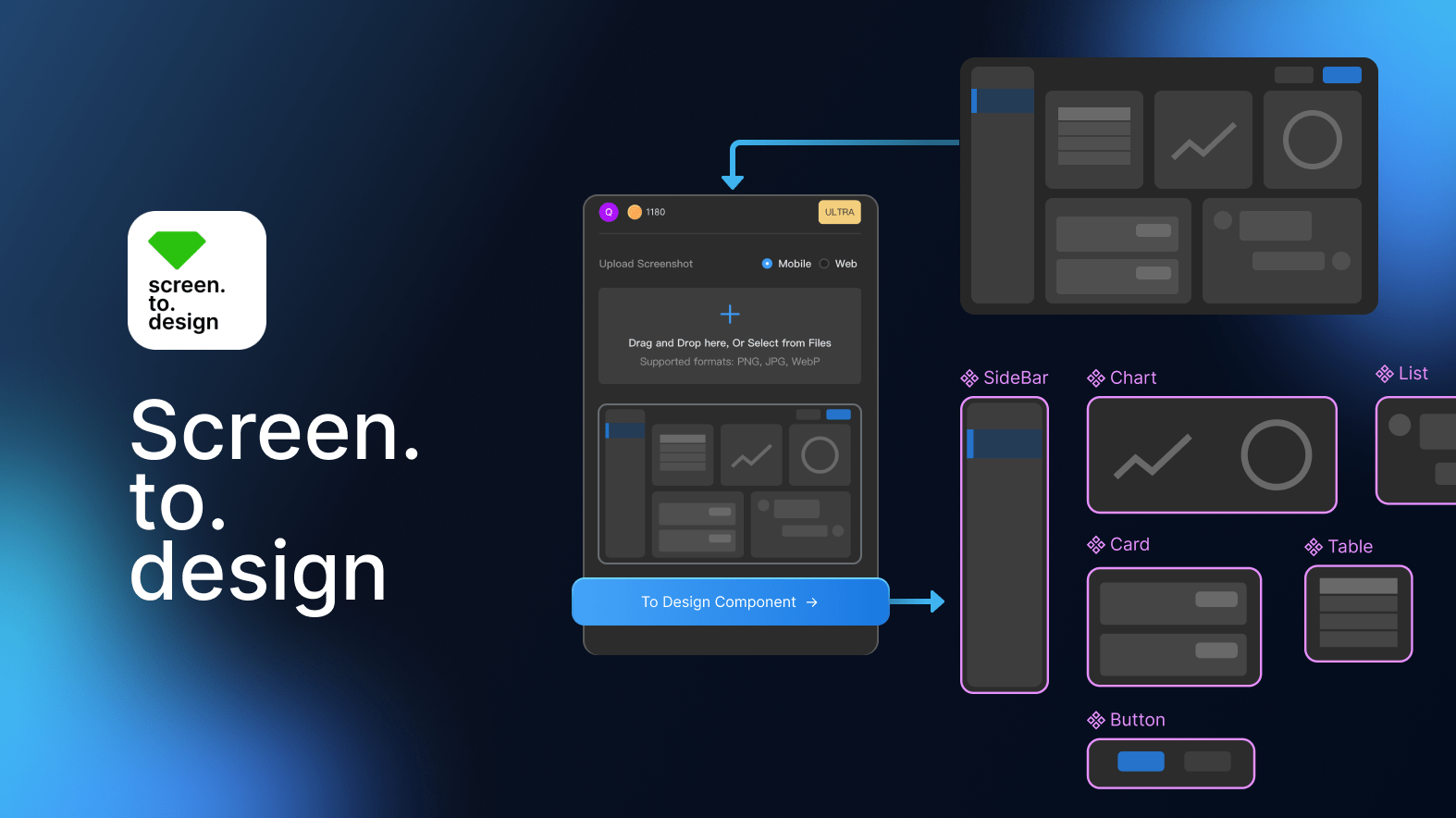
Relume is an AI design tool focused on the initial phase of web design, such as creating sitemaps and wireframes. Using short prompts about the company, AI generates complete site structures, turning them into wireframes with real components and placeholder copy. This is ideal for designers building sites in Webflow or Figma, as it exports directly to these platforms.
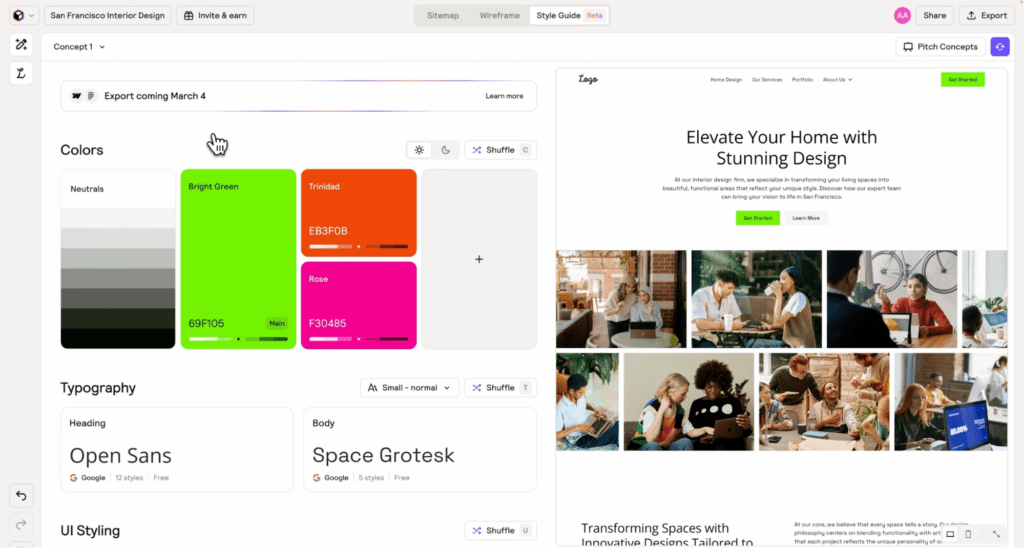
The workflow is simple: enter a description, generate a sitemap in seconds, click for wireframes, and create style guides to approve concepts quickly. Features such as Style Guides allow shuffling designs for variations, preventing scope creep and accelerating sign-offs. In 2026, Relume has updated its library with more than 1,000 components, including mobile variants, and supports exports to React.
Benefits: It increases productivity by 10x, according to its users, by structuring web projects from the start. It facilitates collaboration with comments and shares, and its library updated monthly ensures modern designs. Perfect for agencies handling multiple clients, it reduces planning time from weeks to hours.
Pricing: Free Figma library; paid plans from $15/month for Webflow and React. With discounts available, it is affordable. Relume is essential in the AI design toolkit for those who prioritize efficiency in web pre-production.
4.Framer AI: No-Code Design with Advanced Intelligence
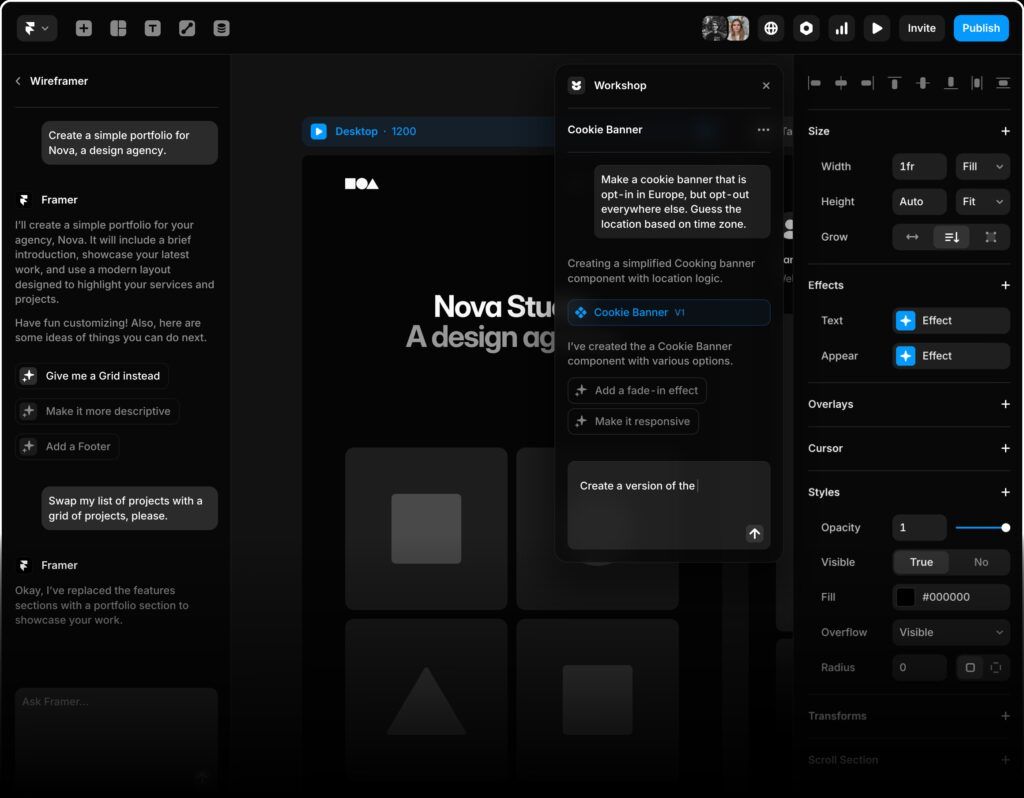
Framer AI revolutionizes web design with AI by enabling the creation of responsive sites without code, using chat-based prompts. Its Wireframer generates complete pages from descriptions such as “simple portfolio for a design agency,” including structure, starter content, and modern layouts. In addition, Workshop creates advanced components such as cookie banners with location-based logic, without programming.
The tool integrates AI Translate for multilingual sites in one click and AI Plugins to connect with models like OpenAI, generating images or alternative text. In 2026, updates include more visual effects and improved responsiveness, making it ideal for interactive sites.
Benefits: It removes barriers for non-coders, accelerates prototype creation, and simplifies complex tasks such as translations. Used by millions, it offers directly published sites with a focus on user engagement.
Pricing: Plans range from free with limits to pro for unlimited features. Framer AI is a top AI design tool for creatives seeking speed and sophistication in web design.
5.Google Stitch: Free Design from Simple Descriptions
Google Stitch, from Google Labs, is a free AI design tool that generates complete UIs and HTML/CSS code from simple English descriptions. Describe a web app, such as “photo library with semantic search,” and it produces polished designs, including uploads of sketches or screenshots for refinement.
In 2026, Stitch stands out for its accessibility, generating production-ready code and support for mobile/web. Benefits: Ideal for beginners, it accelerates prototyping and is free, encouraging experimentation without costs.
Pricing: Totally free. Stitch is perfect for exploring AI design tools without investment, integrating seamlessly with Google ecosystems.
AI design tools such as Uizard, Figma AI, Relume, Framer AI, and Google Stitch are transforming web design in 2026, making it faster, more accessible, and more creative. Choosing the right one depends on your needs: speed in prototyping, integration, or free access. Adopting these tools not only optimizes workflows but also elevates the quality of websites. Explore and experiment to boost your creativity.
Share on
Recent Articles



Categories
Tags
2025 artificial intelligence create website custom website cybersecurity design digital guide digital marketing download WordPress free VPN for PC hostgar hostgar vpn Hosting ia marketing marketing campaigns monetizacion security 2025 social media telefonia voip voip vpn vpn for pc web design web design 2026 wordpress

