Responsive Design: Mastering How to Adapt Websites to Different Devices


Nowadays, web design is not just about aesthetics; it’s about delivering an optimal user experience across a wide range of devices. With the growing use of smartphones, tablets, and other mobile devices, responsive design has become a necessity for any website that aims to attract and retain visitors. In this article, we will explore responsive design in depth, its fundamental principles, and how to implement effective strategies to adapt websites to different devices.
What is Responsive Design?
Responsive design is a technique that allows a website to automatically adapt to the screen size of the device being used. This means that whether the user is browsing on a desktop computer, laptop, tablet, or smartphone, the website will look and function optimally.
Advantages of Responsive Design
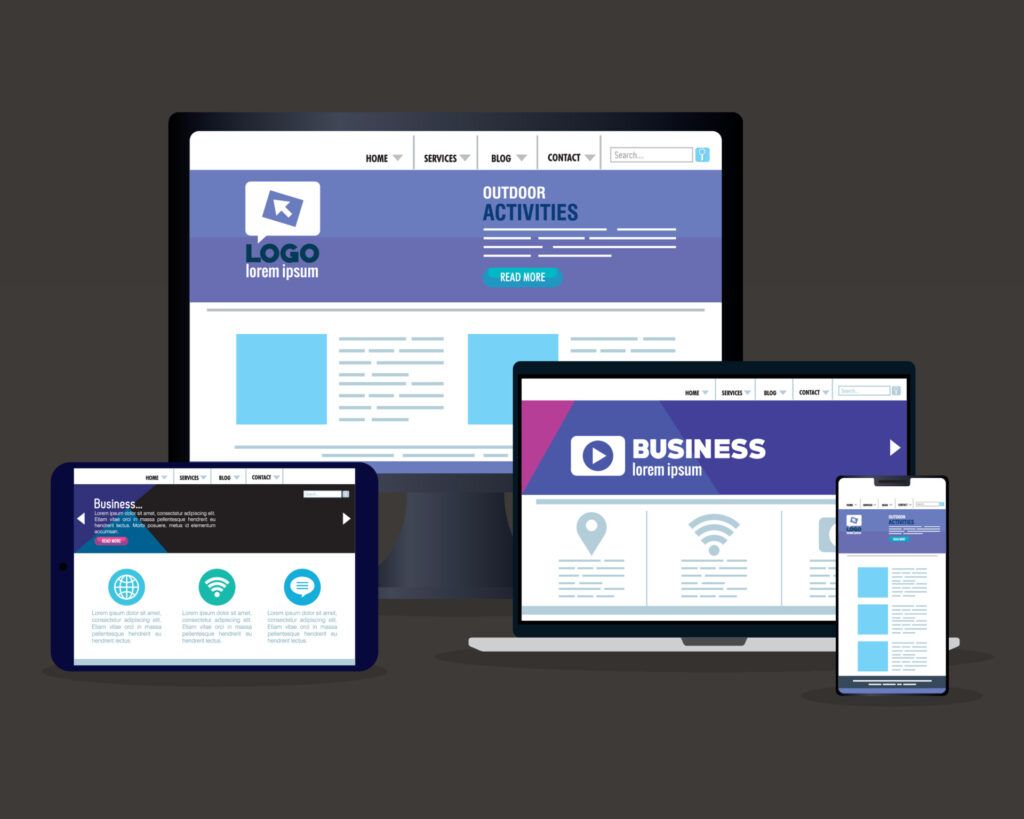
Better User Experience: A design that adapts to different devices ensures that users can navigate easily, increasing satisfaction and reducing bounce rates.
Improved SEO: Google favors responsive websites, which can improve their ranking in search results.
Saving Time and Resources: Instead of creating separate versions of a website for different devices, responsive design allows you to maintain a single site, simplifying management and maintenance.
Adaptation to Future Technologies: With constant technological advances and the emergence of new devices, responsive design ensures your website remains relevant.
Principles of Responsive Design
To implement effective responsive design, it is essential to follow certain principles:
1. Flexible Grid
Using a flexible grid system allows design elements to adjust according to screen size. This involves using relative units such as percentages instead of fixed units like pixels. For example, instead of setting a width of 600px, you can set a width of 50% so it adjusts according to the container.
css Copiar.container {width: 50%;}
2. Responsive Images
Images must also be adaptable. Using CSS to set a maximum width of 100% ensures that images do not exceed the size of their container.
css Copiarimg {max-width: 100%;height: auto;}
3. Media Queries
Media queries are an essential tool in responsive design. They allow you to apply different CSS styles based on the characteristics of the device, such as its screen width.
css
Copiar
@media (max-width: 768px) {
.container {width: 100%;}}
4. Flexible Typography
Just like images, typography must be adaptable. Using relative units such as em or rem instead of pixels allows text to adjust more effectively across different devices.
css Copiarbody {font-size: 1rem;
/* 16px */}
Implementation of Responsive Design

1. Planning and Structuring Before starting the design process, it is crucial to plan the site’s structure. This includes defining the most important content and how it will be presented across different devices. Tools such as wireframes and prototypes can be useful at this stage.
2. Using a CSS Framework CSS frameworks like Bootstrap or Foundation provide a solid foundation for responsive design. They offer predefined grids and components that automatically adapt to different screen sizes.
3. Testing on Different Devices It is essential to test the website on various devices and browsers to ensure it looks and functions correctly. Tools like BrowserStack allow testing across multiple platforms.
4. Performance Optimization A responsive website should not only look good but also load quickly. Optimizing images, minifying CSS and JavaScript files, and using lazy loading techniques are some strategies to improve performance.
Challenges of Responsive Design
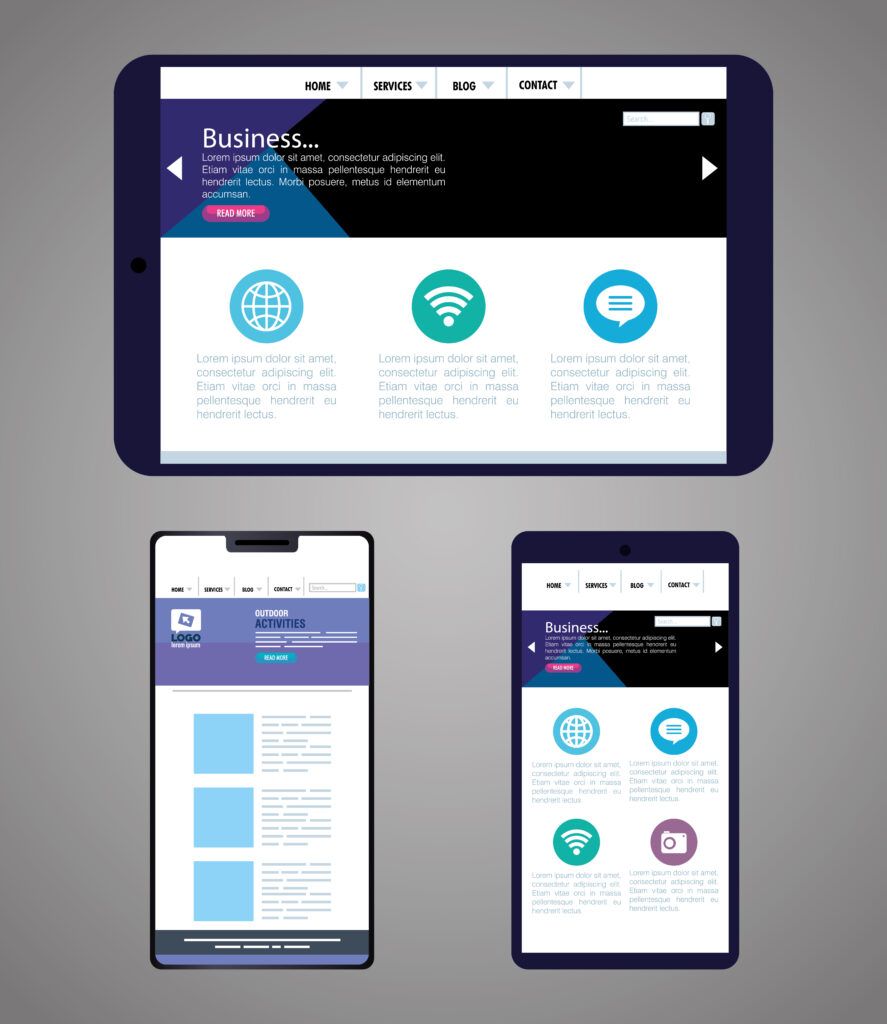
Although responsive design offers numerous advantages, it also presents certain challenges:
Browser Compatibility Not all browsers handle responsive design in the same way. It is essential to conduct thorough testing to ensure the site works correctly across all of them.
Resource Loading On mobile devices, internet connections can be slower. Ensuring that the website is optimized for fast loading is crucial to keeping users engaged.
Design Complexity Creating a design that works well across multiple devices can be challenging. It is fundamental to find a balance between functionality and aesthetics.
Useful Tools for Responsive Design
Google Chrome DevTools: Allows you to simulate different devices and screen sizes to test responsive design.
Responsive Design Checker: An online tool that lets you check how a website looks on different devices.
Figma: A design platform that makes it easy to create responsive prototypes.
Adobe XD: A design tool that enables you to create and share interactive prototypes.
Conclusion
Responsive design is a key strategy in modern web development. By adapting websites to different devices, you not only improve the user experience but also optimize SEO performance and ensure your site remains relevant in a constantly evolving digital world. By following the principles and tips mentioned in this article, you can master responsive design and provide your users with an exceptional browsing experience.
Implementing responsive design is not just an option; it is a necessity in today’s digital era. As more people access the internet through mobile devices, the ability to adapt to different screens becomes a decisive factor for the success of any website. Don’t wait any longer—start applying these strategies in your next web design project!
Share on
Recent Articles




Categories
Tags
2025 artificial intelligence create website custom website cybersecurity design digital guide digital marketing download WordPress free VPN for PC hostgar hostgar vpn Hosting ia marketing marketing campaigns monetizacion security 2025 social media telefonia voip voip vpn vpn for pc web design web design 2026 wordpress

